We’ve all been there, dialling into a video meeting full of optimism and great ideas only to be greeted by a blank screen and audio void. It’s bad enough and incredibly frustrating when that chaos is coming from the other side, whether that’s colleagues working remotely or external participants. However, if it’s your setup letting the side down, you could be running headfirst into some serious problems.
Expectations for business video conferencing are only getting higher as the technology for doing so continues to evolve. If you’re spending most of the meeting overcoming technical hiccups rather than actually collaborating, you’re not exactly giving the best impression of your business. This begs the question: when is the right time to address your meeting woes and upgrade your video conferencing solution? If any of the following signs sound familiar, the answer is probably sooner rather than later.
1. You’re Huddled Around One Laptop
It’s amazing how many organisations think that it’s acceptable to just squeeze around one laptop screen in the centre of a meeting room. Not only does that mean that everybody in that room is probably craning their neck to try and get in shot, but it’s also incredibly frustrating for those on the other end of the call who will struggle to see and hear everyone clearly. A proper video conferencing solution can address this and ensure that your entire room is always captured professionally.
2. You’re Managing The Meeting From Multiple Devices
We’ve all been through the COVID clunkiness of juggling screen shares and playing the game of mute. Frustrating, wasn’t it? Unfortunately, poor video conferencing solutions mean that many businesses are still operating through this concoction of confusion, with multiple devices used to control the meeting whilst it’s in progress. There is really no need for one person to be controlling the call via one device, while another shares notes or decks from another. The right video conferencing solution can bring this all together via one central control point.
3. You’re Calling IT Just As The Meeting Is Due To Start
For IT teams, there’s nothing more frustrating than being dragged into a meeting room and asked to provide a magic fix seconds before a call is due to start. It’s even worse when participants on the other end are left hanging because you’re scrambling around to find the right cable and get connected. With so many plug-and-play options available (that even the biggest technophobes in your company should be able to use), there’s really no excuse for looking so unprofessional when video conferencing.
4. Your Remote Participants Feel Like Observers
The rise of video conferencing has made hybrid working more viable than ever before. However, hybrid meetings only work when everyone feels engaged and able to contribute to the meeting as if they were there in person. However, if you’re finding that your camera angle shows only a portion of the meeting room or the audio makes it impossible for them to join the conversation naturally, your setup isn’t doing its job properly. With the right video conferencing solution, everyone should be able to see, hear, and contribute equally. If they can’t, it’s time to upgrade.
5. Your Camera Stays Off
One of the real advantages of video meetings is that they feel more human than a standard phone call, thanks to the use of a camera. Despite this, it’s amazing how many businesses have accidentally adopted a policy of keeping cameras off because their kit never really works properly. With the camera off, you’re missing out on the interactions and expressions that keep meetings dynamic and collaborative. Investing in something reliable as part of a professional video conferencing solution will ensure the experience is as engaging as it should be.
6. Your Audio Quality Depends On Who’s Closest To The Mic
Audio quality is another aspect of video conferencing that really hinges on the quality of your kit. Relying on built-in laptop microphones is particularly problematic, as it means that important points in your meeting are probably getting lost. Participants will quickly become disengaged when they can only hear the person sitting closest properly, and there’s really no excuse for this when modern microphones can capture a balanced and accurate experience for everyone.
7. You’ve Grown Your Business
What worked for old clients/customers and with your old team might no longer be the best approach. As your business has grown and external needs have shifted, your video conferencing requirements have probably changed too. Perhaps you’re now holding more video calls than you used to, or have bigger meeting spaces with more advanced hardware requirements. As you take stock of your own growth over the last year, make time to consider whether your conferencing capabilities have developed too.
What To Do Next
If you’re perhaps feeling a little bit embarrassed that you resonate with some or all of these problems, the good news is that none of them are unusual. In fact, they’re easy to fix with the right video conferencing solution.
At Agile Comms, we specialise in specifying, installing, and supporting business video conferencing solutions that work in the real world and can help your organisation move away from a makeshift or outdated setup towards a professional, reliable experience.
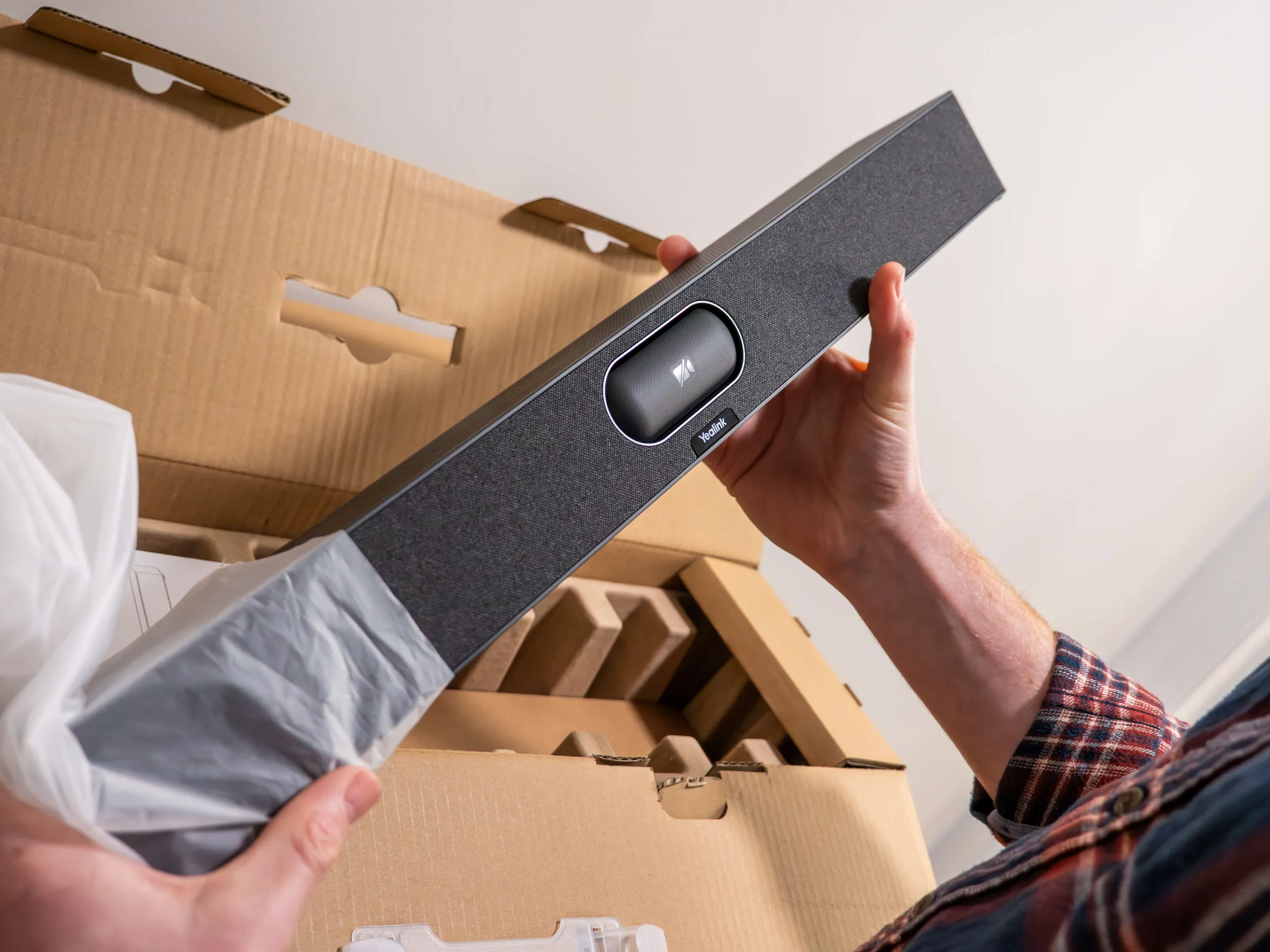
Our solutions typically make the most of the latest Yealink video conferencing technology, with touchscreen control panels, high-quality cameras, microphones and speakers, and the latest AI integrations. We’ll also take care of every aspect of getting the system up and running, from the initial installation to ensuring your team is confident in using it.
Don’t head into 2026 battling clunky calls and awkward video meetings. Get in touch with Agile Comms today and we’ll find a video conferencing solution that presents your business in the best light.

Upgrade to Agile Comms today!
Get in touch with us to see how we can help. Use the form or contact details below to reach out today.