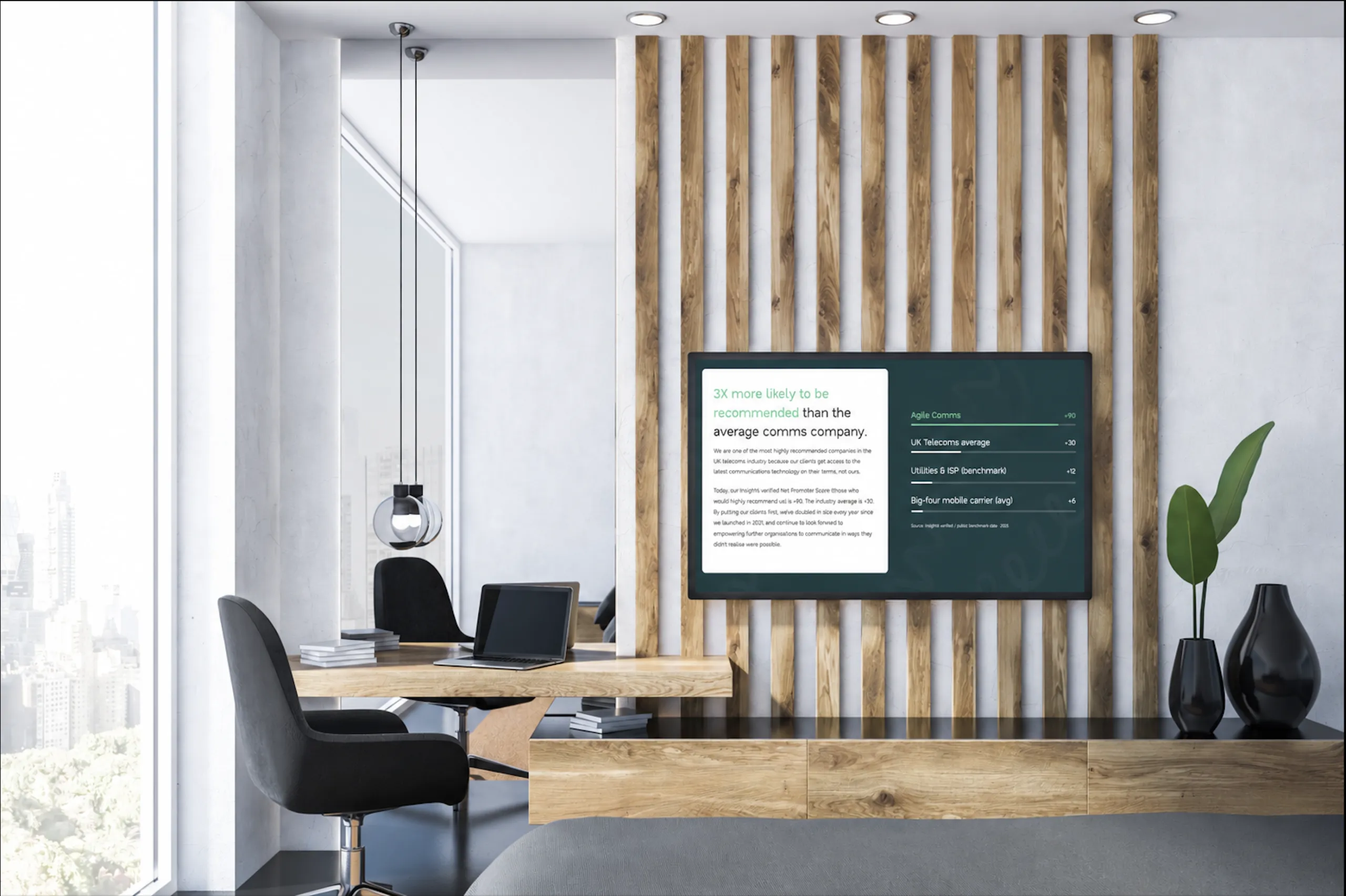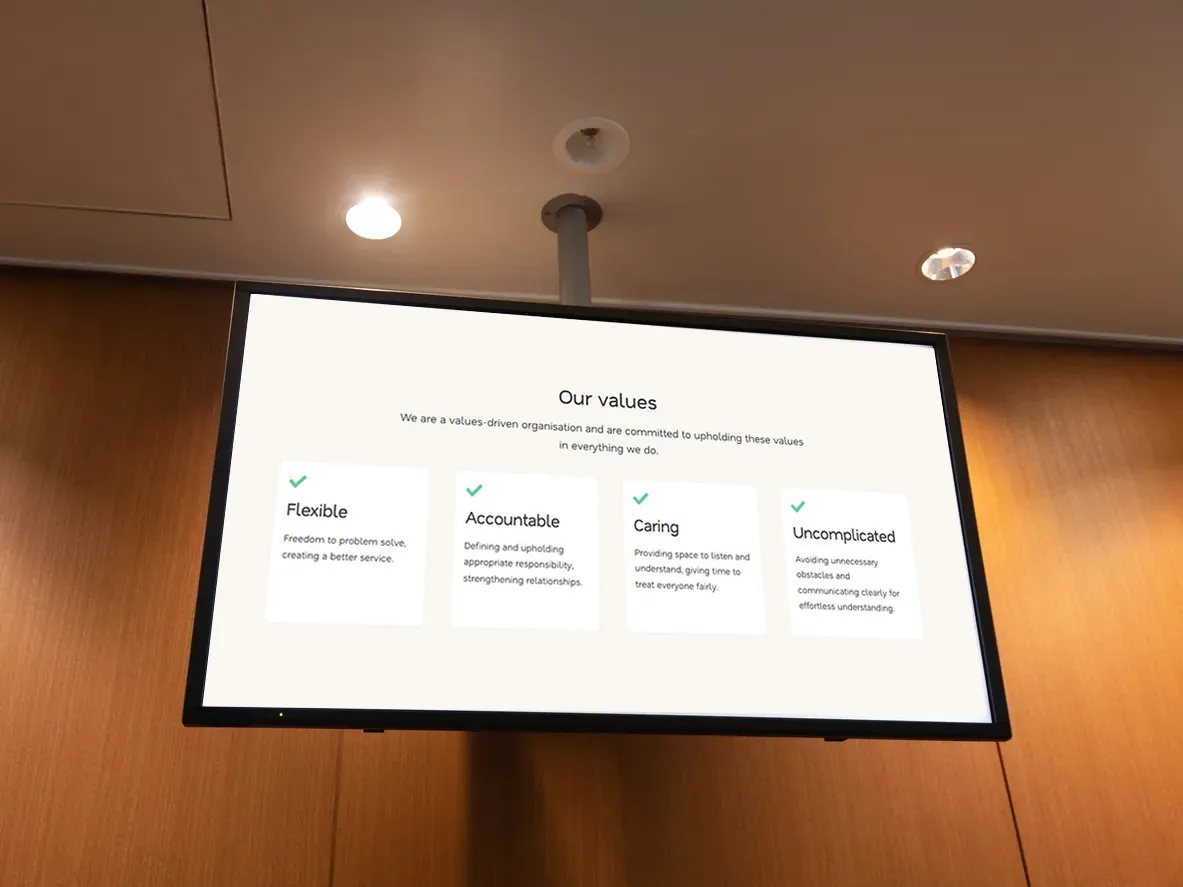
Digital signage can be a highly valuable internal communications tool, giving you a visible and engaging way to put important messages directly in front of your teams. However, simply putting up a few screens around your office spaces won’t automatically take your comms to new heights; you have to have the right strategy and solution behind them.
As with any communications channel, it’s what you do with your digital signage and internal communication screens that really matters. What are you displaying? Where are you displaying it? How often are you mixing up the messages? And, perhaps most importantly, how easy is the whole thing to manage?
With some forward thinking and planning, digital signage can become a genuinely useful part of your internal communications. Here’s how to plan a proper strategy so that your digital signage puts important messages in front of your teams without adding another time-consuming task to your to-do list.
1. Define What You Want To Achieve
We’ll be the first to admit that our excitement peaks when it’s time to choose new technology or hardware. However, before you start looking at any kind of internal communication screens or digital signage software, take a step back and think about how digital signage could benefit your organisation.
There are plenty of ways you can use digital signage for internal communications, from sharing company news and promoting upcoming events to reinforcing health and safety messages and celebrating employee achievements. Working out why you’re investing in digital signage in the first place will make it clearer what kind of screens you need, where you need to place them, and how you will need to manage them.
There’s also nothing wrong with wanting to do a bit of everything, but you don’t want to saturate employees with messages before they’ve even had the chance to take key information in. If you’ve got lots to communicate, your strategy will benefit from using multiple screens in different areas and having a clear schedule of the types of information you share and when.
2. Understand Your Audience
When planning an internal communications digital signage strategy, it’s also important to think about who you’re communicating with and where they’re based.
Digital signage can be a great way to share consistent messages across multiple office locations, but you’ll want a joined-up system if employees are spread in this way.
That said, you don’t need every screen across every location to show the same thing, so think about what different teams might actually need to know. For example, a warehouse or production environment might benefit from operational updates or health and safety reminders, while signage near desk-based teams in office areas might be better suited to company news and employee recognition.
You’ll also need to think about exactly who can see each screen. While a display in a staff room can be focused entirely on internal comms, digital signage in reception areas could also be seen by customers or visitors. In that case, you’ll need to ensure everything your signage displays is appropriate for a wider audience.
3. Choose The Right Internal Communications Screens
Digital signage is only useful if people see it. While that sounds obvious, it’s remarkable how often that sentiment gets overlooked when organisations are planning a new digital signage setup.
As you plan your strategy, think about where your employees naturally spend time. Screens don’t necessarily have to be placed where they spend the majority of their working day (at their desk) – you might be better off putting displays in breakout areas and staff rooms so that your messaging can catch them when they’re not otherwise occupied.
You’ll also need to consider the size and type of display. Internal communications digital signage screens need to be large enough to read your content from a sensible distance, but not so large that they become unnecessarily intrusive and distracting in the space.
4. Plan The Right Content Mix
One of the biggest advantages of digital signage for internal communications is that you’re not limited to putting up another unengaging and text-heavy notice.
Screens can display images, videos, social media feeds, live dashboards and other visual content to make your messaging more inspiring and easier to digest. Remember that employees may only glance at a screen subconsciously for a few seconds as they walk past, so you need to capture attention quickly.
As part of planning any digital signage strategy, it’s therefore important to think carefully about messaging and plan ahead. Keep messages clear and easy to understand, and keep them fresh! If the same messages sit on your screens for weeks on end, they’ll quickly get ignored and even undermine your professionalism if the content then becomes out of date.
5. Choose The Right Technology
Once you’ve given everything else on this list some thought as part of your digital signage strategy, it’s then time to choose the right technology. If you’re managing one screen in one small office, this might not be a huge consideration. However, once you start introducing multiple displays or locations, you don’t want to be manually updating every screen.
We’d always recommend opting for a cloud-managed digital signage solution to support your internal communications strategy. This will allow you to manage screens centrally and upload and schedule content remotely, which is great when you’re not able to be in every location at once or want to push updates out as and when they happen.
At Agile Comms, we utilise the powerful NowSignage platform across all of our bespoke digital signage solutions. NowSignage allows you to manage all of your digital signage from one place, without relying on someone having to physically update each display. It also makes it much easier to scale if your business grows and wants to add new screens.
Of course, you’ll also need to consider the right displays for your environment and have them installed professionally and neatly. That’s where we can help, and as well as providing you with a suitable NowSignage licence, our expert team is on hand to take care of the whole process from scoping to installation and ongoing support.
We can work with you to understand what your digital signage strategy is trying to achieve and build a solution that’s flexible around your requirements, so get in touch today to chat things through with us.

Get in touch
Book a demo or an introductory call to kickstart the process of upgrading with Agile Comms. Enter your details in the form and our trusted experts will be in touch.