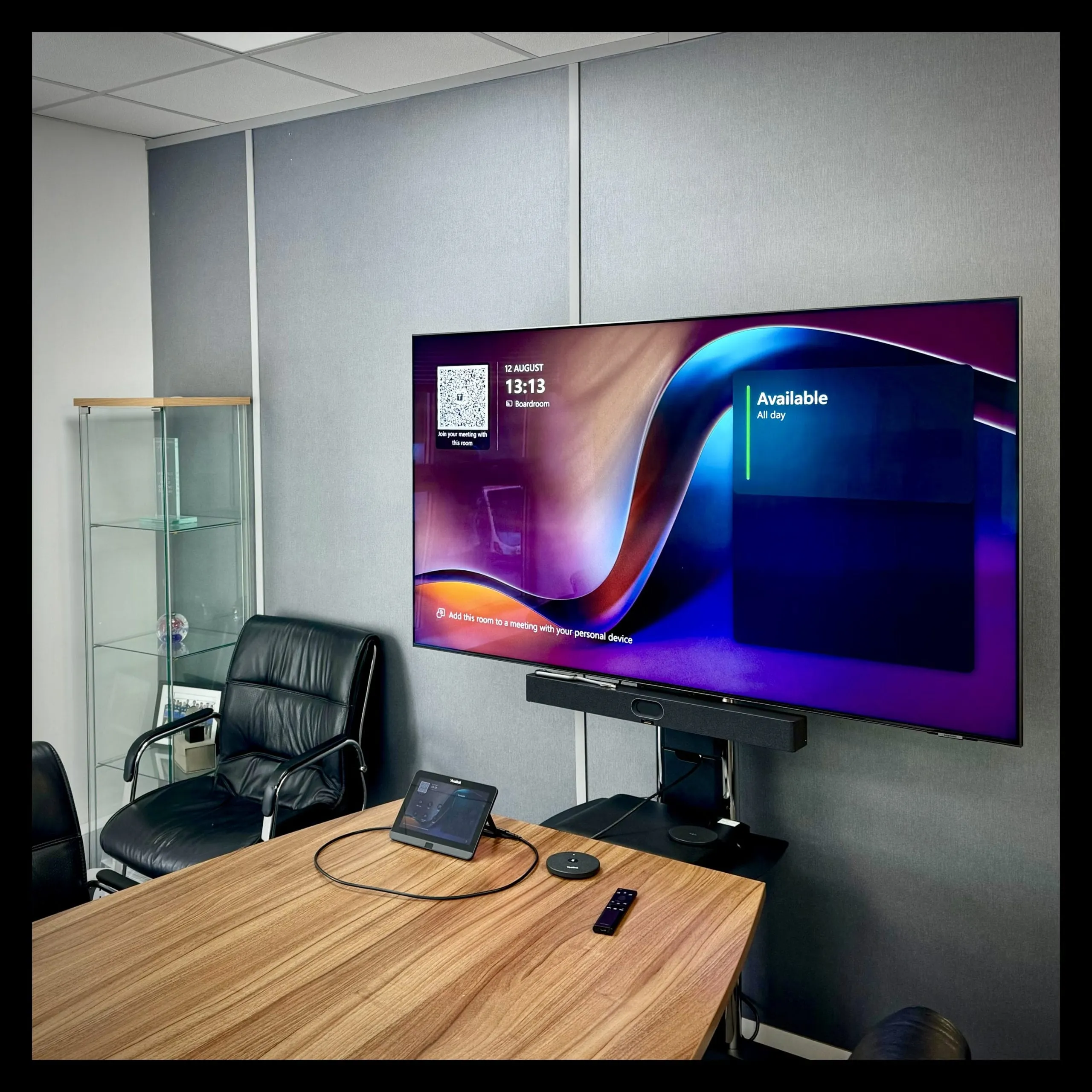
Business video conferencing has become part and parcel of the modern workplace. Whether connecting with clients further afield or holding hybrid meetings with a mixture of in-person and remote participants, most of us find ourselves in multiple video meetings every week. It’s hard to think of a sector or role where video meetings aren’t a vital form of communication, yet it’s also surprising how often these calls go poorly. From technical issues to user errors, there are countless reasons why business video conferencing can fail.
The good news is that most business video conferencing problems have simple solutions. We’re on hand to help you out, so let’s explore the seven most common video conferencing failures and, most importantly, how your business can overcome them.
1. “You’re on mute!” & Other Frustrating Audio Fails
Few things derail a video meeting faster than poor audio. Whether it’s the dreaded “you’re on mute!” reminder that disrupts an important point and stalls your thinking, an echo that makes it impossible to understand what’s being said, or quiet contributions from participants not close enough to the microphone, poor audio quality can be a real hindrance. If you can’t even hear each other properly, there’s little point in even having a meeting in the first place and getting your audio hardware up to scratch is absolutely critical if you want to improve your business video conferencing.
The solution: To avoid these embarrassing audio issues, there are two key steps you can take. Firstly, make sure that your business invests in the right microphones and speakers for your space, whether this is a microphone which can hone in clearly on the speaker, or devices placed in appropriate locations within your meeting room for clarity. You can learn more about this in our guide to improving your meeting room audio. It’s also important to establish a routine of testing audio settings before meetings begin; this simple step can save a surprising amount of time and frustration during your calls.
2. Poor Connectivity
Connectivity issues are one of the most common causes of poor business video conferencing experiences. Lag, stuttering video and dropped connections can all be traced back to an unstable or insufficient internet connection. These problems make it incredibly challenging to engage in meaningful conversations with participants talking over each other or missing important information due to frozen video or cut-off audio. Ultimately, poor connectivity is a pretty bad look for your business.
The solution: To ensure smooth and uninterrupted video meetings, it’s crucial to have a reliable internet connection with sufficient bandwidth to handle the demands of your video conferencing. The connectivity options available to businesses have rapidly transitioned in recent years, so make sure you are operating from a fibre connection at the very least and consider exploring supplementary solutions like 4G or 5G boosters for additional peace of mind.
3. Difficulty Joining The Call
We’ve all found ourselves embarrassingly spending valuable meeting time struggling to join a call, dealing with error messages, login issues, or missing meeting links. When you find yourself left scrambling to access the meeting, the productivity of the call is almost always compromised. These access problems can make the first few minutes of a meeting frustrating and inefficient, and may even leave a sour taste in your client’s mouth if they think you’re simply late or have forgotten to attend the call.
The solution: There are several steps you can take to avoid difficulties joining the call. The solution can start with making sure that the video conferencing platform your business uses has an easy-to-use interface with clear and dependable access links, like Microsoft Teams. In your meeting room, invest in kit that aids rather than hinders the call joining process. Teams Room devices like the Yealink A40 and other Yealink all-in-one solutions feature an easy-to-use control panel which will seamlessly connect with your calendar so that you can join with just one click.

4. You Can’t See The Speaker
The obvious benefit of business video conferencing is that it’s a visual and interactive experience, allowing for more engagement and collaboration than a traditional phone call. However, it’s incredibly difficult to engage when you can’t see the speaker! Whether the team is crowded around a single laptop or the meeting room’s fixed camera shows only a portion of the group, remote participants can feel disconnected and disengaged, not to mention probably frustrated as it’s likely they won’t be able to hear the obscured speaker either!
The solution: The natural solution to this business video conferencing problem is to invest in high-quality cameras for your meeting room. Wide-angle cameras will better capture the entire room and there are even more sophisticated options you can go for, like those built into the Yealink room solutions, which will automatically zoom in on the speaker at any given moment.
5. Background Noise & General Disruption
Background noise is one of the most pervasive distractions during video calls. Whether it’s the sound of chatter in the office kitchen, the clatter of keyboards, or building work going on outside, these noises can make it difficult for remote participants to stay engaged in the meeting. Similarly, visual distractions can take the focus away from what really matters, diminishing the true purpose of the meeting: productivity.
The solution: Many of these distractions can be eliminated by choosing the right conference room microphone and camera based on the guidelines we’ve already outlined. It’s also worth making sure that your audio hardware has built-in noise-suppression features and that you use a conferencing platform with similar priorities (Microsoft Teams, for example, has built in noise cancellation).
6. Screen Sharing Hiccups
Screen sharing is a critical feature for effective video conferencing and something that businesses have used more heavily in recent years. However, screen sharing can also cause some of the biggest video meeting frustrations, with screen lag, issues with permissions, and accidentally sharing the wrong screen all causing unnecessary delays and challenges. Whether you get into the meeting only to find the right cables missing or can’t sync your screen with a central device, such hiccups will quickly undermine the meeting’s effectiveness.
The solution: When upgrading your business video conferencing equipment, never neglect the basics. This means that your designated meeting spaces must be fitted with the right types of HDMI cables and dongles. If you’re struggling with screen sharing, it’s incredibly worthwhile to give proper consideration to the type of central meeting room console you’re using. The best will not only allow you to seamlessly join the meeting like we’ve already highlighted, but also allow for effortless in-meeting management and screen sharing.

7. Lack Of Hardware Know-How
Even with a vast investment in top-specification video conferencing equipment like a Microsoft Teams Room device, your meetings will fail if the team doesn’t know how to use the technology properly. Whether it’s operating cameras, microphones, or logging in, the success of a video call often hinges on users’ familiarity with the hardware and platform. Without proper knowledge and training, participants can find themselves frustrated and doubling as technical issue troubleshooters.
The solution: To ensure that everyone is comfortable with holding video meetings, make sure that the whole workforce is confident in using your business video conferencing equipment properly. While it can be tempting to get carried away and dive straight into playing around with your shiny new kit, taking the time to schedule training sessions and invest in ongoing support is the best way to empower your team to hold better video meetings.
Improve Your Business Video Conferencing With Agile Comms
There are lots of hurdles you may need to overcome to improve your business video conferencing, but there’s no need to tackle them alone. The experts here at Agile Comms are on hand to help you boost your video conferencing capabilities with bespoke meeting room solutions.
Our experienced team can handle every aspect of solving your video conferencing frustrations, from the initial specification of the right equipment, to the correct installation. We will also make sure that your teams are trained and confident in using the solution we provide, with ongoing support available if you ever need it.
To start the process of improving your business video conferencing, contact us today to share your frustrations and we’ll identify the right solution and equipment for you.

Get in touch
Book a demo or an introductory call to kickstart the process of upgrading with Agile Comms. Enter your details in the form and our trusted experts will be in touch.